

Diyaar
Delivery app: stores sell, drivers deliver.Customers pay Diyaar orders from their Biti wallet inside Biti. Biti holds each order's split for the store and the driver, and Diyaar releases it.
- Mini app
- Orders
- Order splits
- Webhooks
Your customers pay, get paid and cash out inside your own app. Biti runs the wallet.
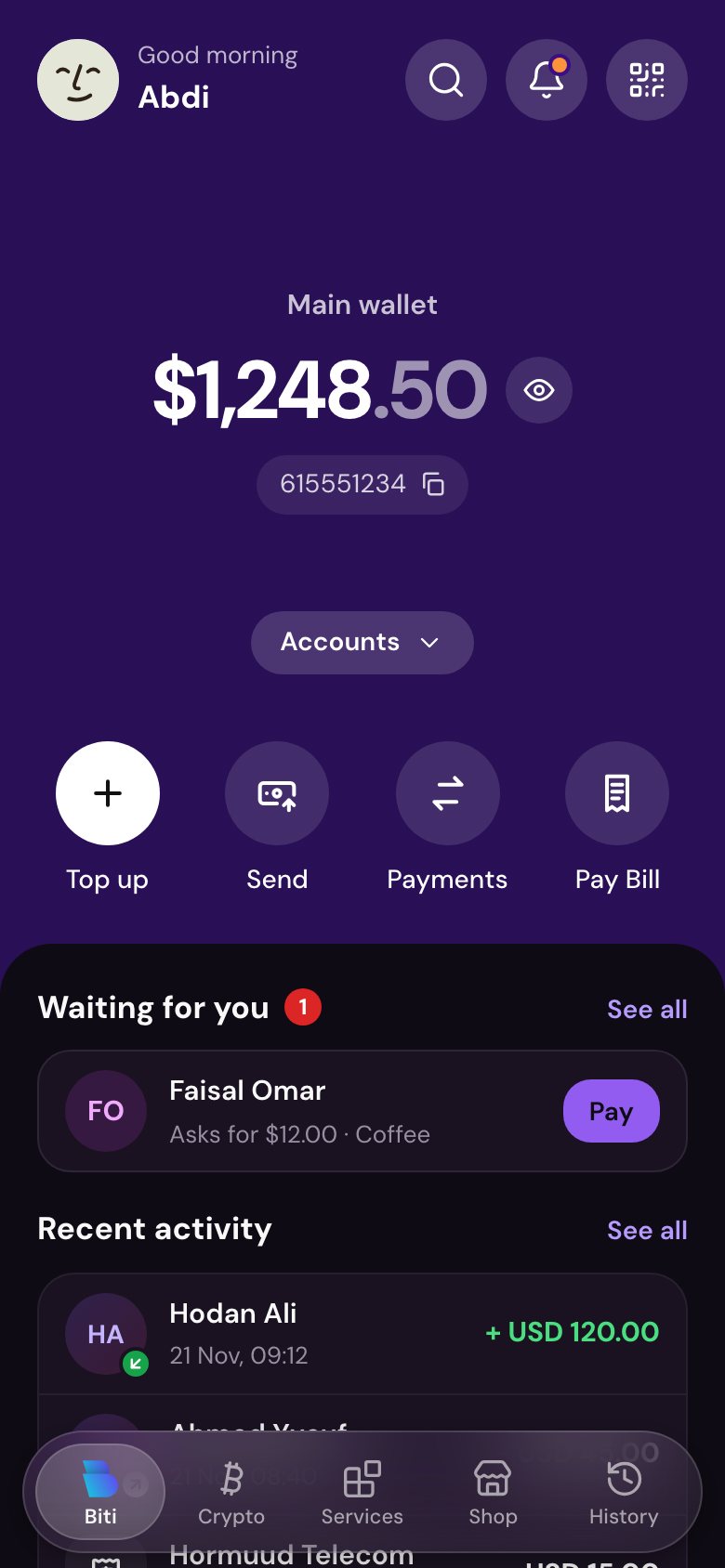
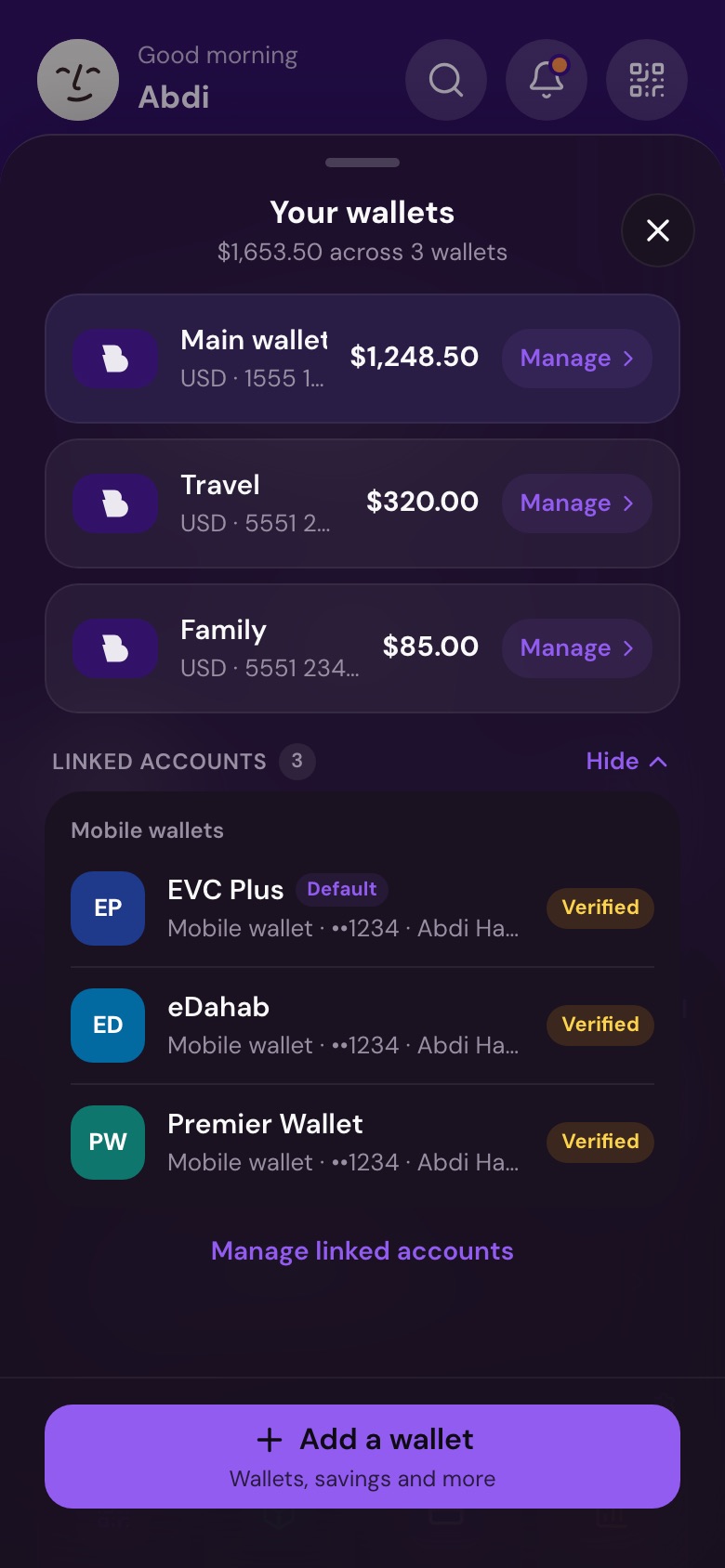
You keep your app and your customers. Biti gives each of them a real wallet and moves the money.
Every customer gets their own Biti wallet in US dollars. You do not build or run a wallet.
Customers sign up and pay without leaving your app, with your name and your screens.
They top up and cash out with EVC Plus, Zaad, eDahab and the other methods Biti supports.
Biti checks the phone, reviews identity and asks for the customer's PIN on every payment.
Buyers pay from their wallet, sellers get paid into theirs.
Drivers and couriers get paid and cash out to their own mobile money.
Each student or parent has a wallet for fees, books and trips.
Staff get salaries and advances into a wallet they control.
People receive support into a wallet, even before they install Biti.
Members of a group get their own limits through member groups.
Tell us about your business and your customers. We agree on what you need.
Biti opens your business account and gives your developer the keys to connect your app.
Your customers open their wallet in your app and start paying and getting paid.
You pay a small fee on payments you take. All amounts are in US dollars.
Order payments, through the API or in the app, include a 5% Somali government fee. Other transactions do not.
Customers pay Diyaar orders from their Biti wallet inside Biti. Biti holds each order's split for the store and the driver, and Diyaar releases it.
Want to be next? Talk to us
Everything your developer needs: the workflow, the onboarding flow, code examples and the API docs.
Biti staff create your API account.
Open a new wallet or connect an existing one.
Use the access token on wallet calls.
Biti signs every webhook.
Two calls from your server, one SMS code for your customer.
Phone already on Biti? onboard-customer returns existing_customer and Biti sends a connect request instead. The customer approves it in Biti, and your app gets access to the wallet they pick.
Call onboard-customer with the phone, your own reference, the name and the access you need (scopes). You can also send identity data you checked.
Biti sends its own code to the phone. The code is valid for 10 minutes. If the phone already has a Biti account, Biti makes a connect request instead.
Your app passes it to onboard-verify. After 5 wrong codes the onboarding fails, so you can start a new one.
Biti creates the account and returns the wallet id and an access token with the approved scopes. You can check progress at any time with onboard-status.
The answer says needs_pin: true. The customer sets their PIN the first time they open Biti. Every payment then needs that PIN.
Send the client headers X-Biti-Client-Id and X-Biti-Client-Secret on every call, and the customer's X-Biti-Token on wallet calls.
POST /partner/v1/connected-wallet

→ 200
{
  "wallet_label": "Main Wallet",
  "currency": "USD",
  "balance": 412.50,
  "status": "Active"
}POST /partner/v1/create-topup
{ "method_id": "LA-0012", "amount": 20,
"currency": "USD", "reference": "TU-1042" }
→ 200
{ "topup_id": "TOPUP-00014", "status": "pending",
"fee": 0.20, "total": 20.20,
"instructions": { "type": "pay_merchant_code",
"ussd": "*712*123456*20#" } }POST /partner/v1/create-payment-request
{ "amount": 24.50, "currency": "USD",
"reference": "ORD-1042", "mode": "request",
"description": "Order ORD-1042" }
→ 200 { "order_id": "MPO-00041", "status": "pending" }
// The customer gets a notification and pays with their PIN.POST /partner/v1/create-withdrawal
{ "method_id": "LA-0012", "amount": 84,
"currency": "USD", "reference": "CASHOUT-D1042-7" }
// Nothing moves until the customer approves:
// with the PIN in Biti, or with an SMS code
// on the Biti page in approval_url.POST /partner/v1/notify
{ "title": "Order ORD-1042",
"message": "Your order is on the way." }
→ 200POST /partner/v1/disconnect → 200// The access token stops working. The customer can also // disconnect in Biti: Settings, Connected apps.
Also available: profile, get-topup-methods, auto-pay with create-mandate, and orders with create-order. See every endpoint.
Biti sends its own SMS code. Your app never makes or sees that code before the customer types it.
The customer sets a PIN in Biti. Payments and cash-outs need it, or an approval they gave.
Identity data you send is reviewed by Biti staff. It never sets a verification level by itself.
profile.read, wallet.read, wallet.topup, wallet.withdraw, notifications.send: your app gets only what it asked for.
The access token is returned once. You can get one new token within 10 minutes if you lose it.
The customer can disconnect your app or freeze their wallet in one tap.
The customer's verification level sets the limits, and their plan sets the fees. See fees and limits.
The whole onboarding from your server. Keep your client secret on the server, never in the app.
API=https://api.biti.so/partner/v1# 1. Start the onboardingcurl -X POST $API/onboard-customer \ -H "X-Biti-Client-Id: $CLIENT_ID" \ -H "X-Biti-Client-Secret: $CLIENT_SECRET" \ -H "Content-Type: application/json" \ -d '{ "phone": "+252615551234", "reference": "CUS-8841", "full_name": "Abdi Hassan", "scopes": ["profile.read", "wallet.read"] }'# → { "onboarding_id": "ONB-00021", "status": "otp_sent" }# 2. Send the code the customer typedcurl -X POST $API/onboard-verify \ -H "X-Biti-Client-Id: $CLIENT_ID" \ -H "X-Biti-Client-Secret: $CLIENT_SECRET" \ -H "Content-Type: application/json" \ -d '{ "onboarding_id": "ONB-00021", "otp": "482913" }'# → { "status": "completed", "access_token": "…", # "wallet": { "id": "618629126@biti", "currency": "USD" }, # "needs_pin": true }
Yes. Your customer gets a normal Biti account and wallet in US dollars. They can use it in your app through the API, and in the Biti app with their own PIN.
onboard-customer sees the existing account and makes a connect request instead. The customer approves it in the Biti app or on a Biti web page, and your app gets access to the wallet they pick.
Biti checks the phone number with its own SMS code. Identity data that you send goes to Biti staff for review and never sets a verification level by itself. The customer can raise their level in the Biti app.
No. A payment request needs the customer's PIN, a charge needs an auto-pay mandate that the customer approved, and a withdrawal needs the customer's approval.
The token is returned once. Within 10 minutes after the onboarding, call onboard-verify again with the same onboarding id and code. Biti returns one new token and revokes the earlier ones. This works once.
Apps that Biti trusts for onboarding. Biti turns on Can Onboard Customers for your app after a review. Contact us to start.
The limits of the customer's verification level and the fees of their plan apply, the same as for any Biti customer. See the fees and limits page.
Talk to us about your business, or send your developer to the API docs.